 Ramez
ordered
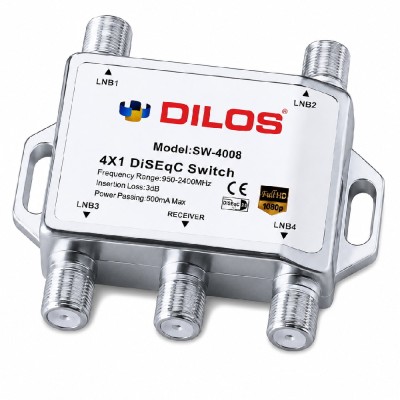
Dilos SW 4008 4in1 DiSEqC 2.0 Switch
from Jammu and Kashmir
Ramez
ordered
Dilos SW 4008 4in1 DiSEqC 2.0 Switch
from Jammu and Kashmir
 Ramez
ordered
SOLID FS-36 Eco Series Universal Twin LNB
from Jammu and Kashmir
Ramez
ordered
SOLID FS-36 Eco Series Universal Twin LNB
from Jammu and Kashmir
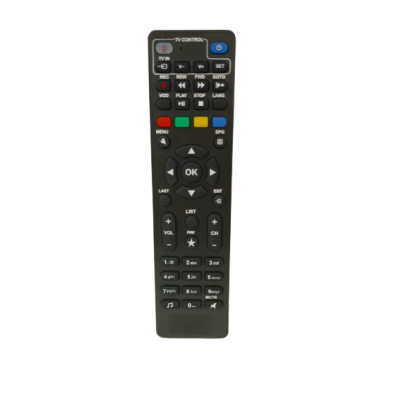 Anand
ordered
Remote for HDS2-5490 Set-Top Box
from Haryana
Anand
ordered
Remote for HDS2-5490 Set-Top Box
from Haryana
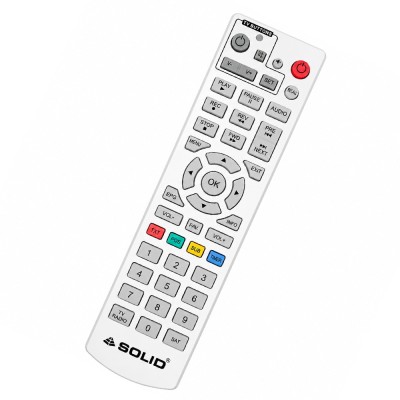 Ravindra
ordered
Remote for HDS2-8181 MPEG-4 Set-Top Box
from Maharashtra
Ravindra
ordered
Remote for HDS2-8181 MPEG-4 Set-Top Box
from Maharashtra
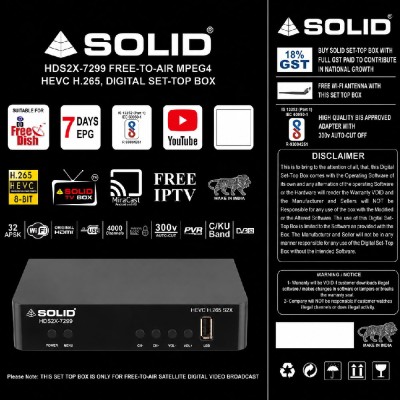 Sujan
ordered
SOLID HDS2X-7299 HEVC 8bits H.265 Free-To-Air Set-Top Box With Free Wi-Fi Dongle
from West Bengal
Sujan
ordered
SOLID HDS2X-7299 HEVC 8bits H.265 Free-To-Air Set-Top Box With Free Wi-Fi Dongle
from West Bengal
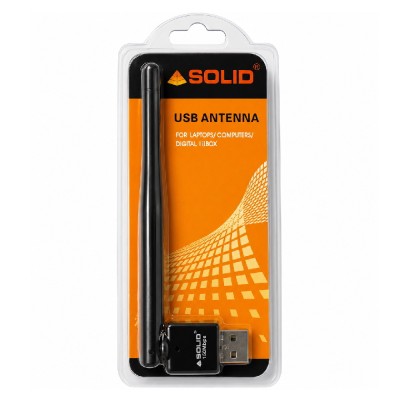 RATAN
ordered
USB Wi-Fi WiFi Dongle for SOLID Set-Top Box / Laptop / Computer
from Rajasthan
RATAN
ordered
USB Wi-Fi WiFi Dongle for SOLID Set-Top Box / Laptop / Computer
from Rajasthan
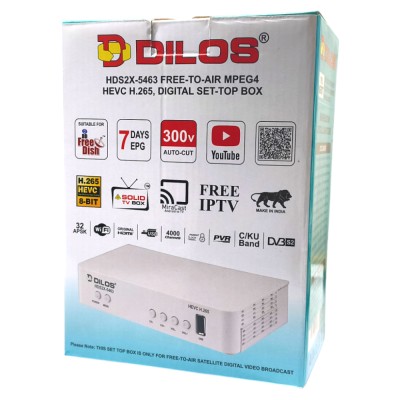 Prakash
ordered
DILOS HDS2X-5463 DVB-S2X HEVC H.265 8-Bit Full HD Free-To-Air Set-Top Box with Inbuilt WiFi
from Uttarakhand
Prakash
ordered
DILOS HDS2X-5463 DVB-S2X HEVC H.265 8-Bit Full HD Free-To-Air Set-Top Box with Inbuilt WiFi
from Uttarakhand
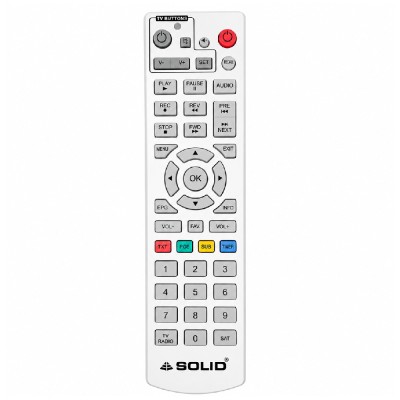 sekhar chandra
ordered
Remote for HDS2-9066WIFI , MPEG-4 Set-Top Box
from Telangana
sekhar chandra
ordered
Remote for HDS2-9066WIFI , MPEG-4 Set-Top Box
from Telangana
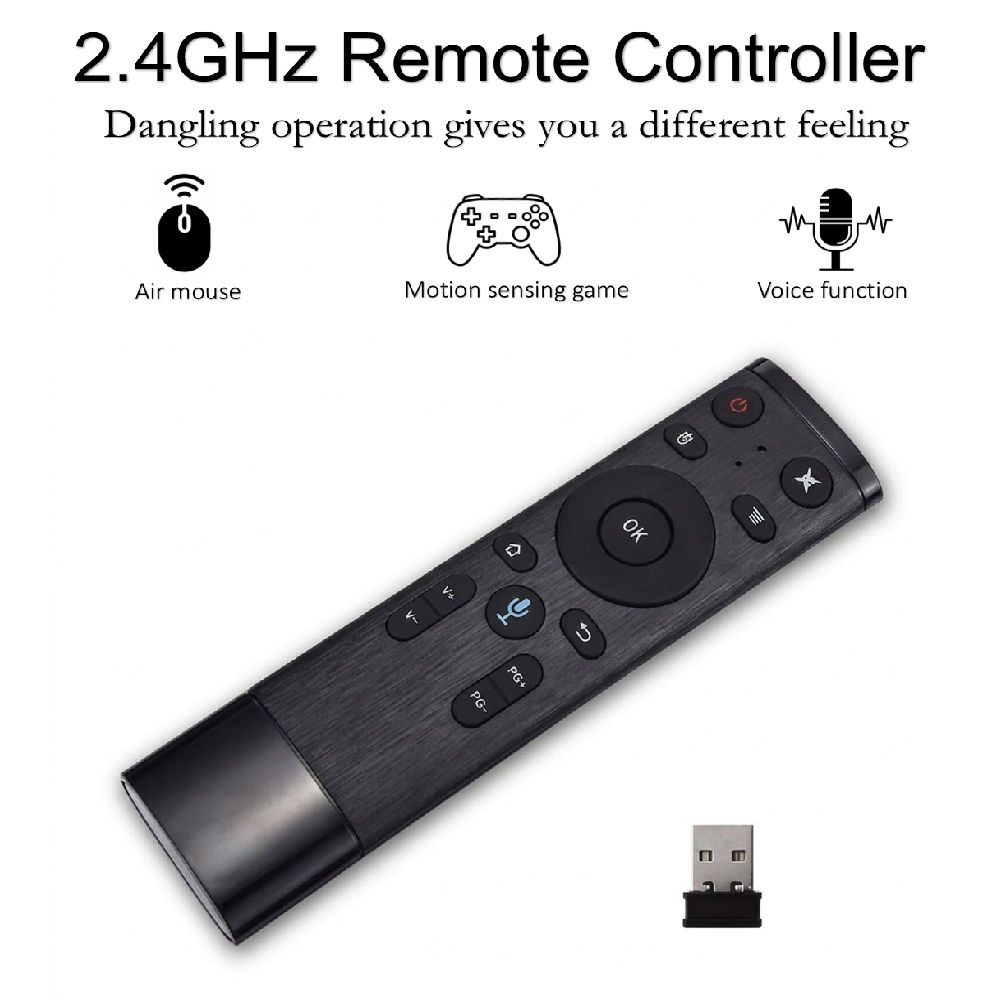
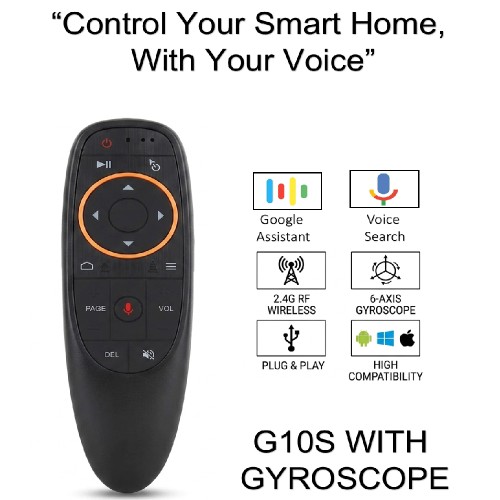
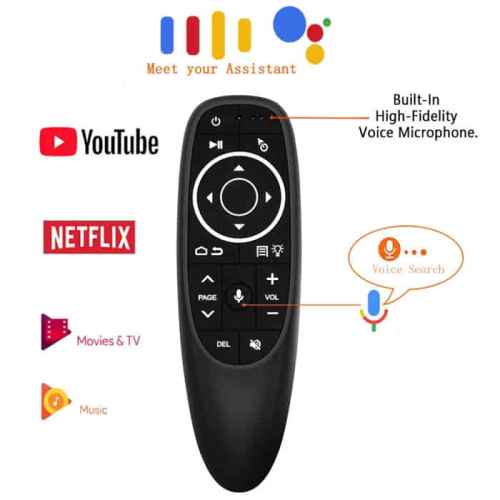
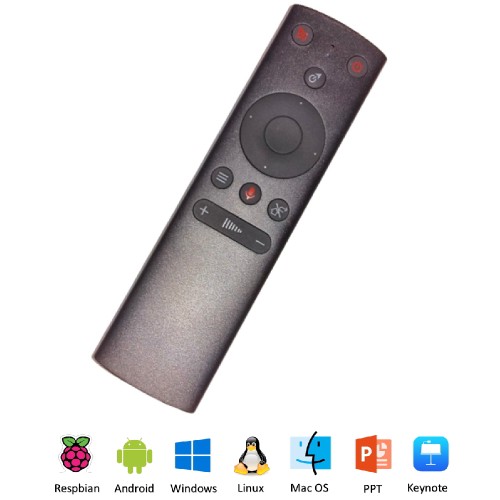
Q5 2.4G Motion Sensing Air Mouse
Quick Features :
- 2.4G RF
- 6-Axis Inertia Sensors
- Voice Input or Output
- Somatosensory Game
- Compatible with
- Android TV Box
- Google TV Box
- Android Smart TV
- Mini PC
- Projectors
- HTPC
- PC/TV
Operation Description:
(1) No empty mouse has voice + infrared fixed key.
(2) “OK” and “return” simultaneously press the LED to extinguish, 3 seconds later enter the Cod mode LED flash, Led exit the code successfully, 10 to the code failed automatically exit.
(3) CURSOR LOCK: Short press to lock the cursor, and then return the Cursor State. (Optional)
(4) HOME: After entering the sub-menu, it can go back to the original main menu Interface directly.
(5) RETURN: Press the return button to return the device to the previous operation interface. In the PC state, the “ OK ” key is the left mouse button the “RETURN” key is the right mouse button; the “HOME” key can open the browser with one key.