 Jaiprakash
ordered
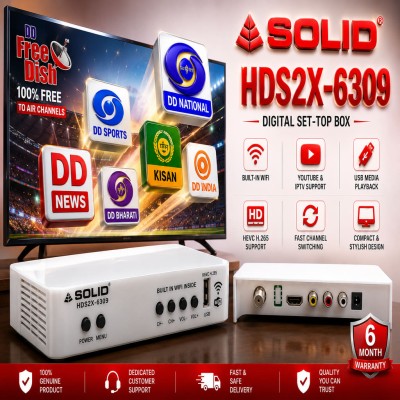
SOLID HDS2X-6309 DVB-S2 HD Digital Set Top Box with Inbuilt WiFi | MPEG4 HEVC H.265 Free-to-Air Satellite Receiver
from Uttar Pradesh
Tahan
ordered
SOLID HDS2X-6309 DVB-S2 HD Digital Set Top Box with Inbuilt WiFi | MPEG4 HEVC H.265 Free-to-Air Satellite Receiver
from Delhi
Jaiprakash
ordered
SOLID HDS2X-6309 DVB-S2 HD Digital Set Top Box with Inbuilt WiFi | MPEG4 HEVC H.265 Free-to-Air Satellite Receiver
from Uttar Pradesh
Tahan
ordered
SOLID HDS2X-6309 DVB-S2 HD Digital Set Top Box with Inbuilt WiFi | MPEG4 HEVC H.265 Free-to-Air Satellite Receiver
from Delhi
 Babu
ordered
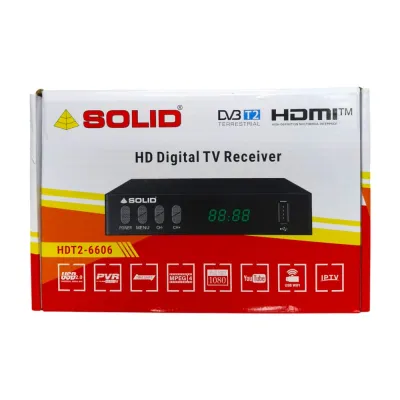
SOLID HDT2-6606 DVB-C Cable TV & DVB-T2 Terrestrial TV Set-Top Box
from Chhattisgarh
Mohit
ordered
SOLID HDS2X-6309 DVB-S2 HD Digital Set Top Box with Inbuilt WiFi | MPEG4 HEVC H.265 Free-to-Air Satellite Receiver
from Uttar Pradesh
Babu
ordered
SOLID HDT2-6606 DVB-C Cable TV & DVB-T2 Terrestrial TV Set-Top Box
from Chhattisgarh
Mohit
ordered
SOLID HDS2X-6309 DVB-S2 HD Digital Set Top Box with Inbuilt WiFi | MPEG4 HEVC H.265 Free-to-Air Satellite Receiver
from Uttar Pradesh
 Alan
ordered
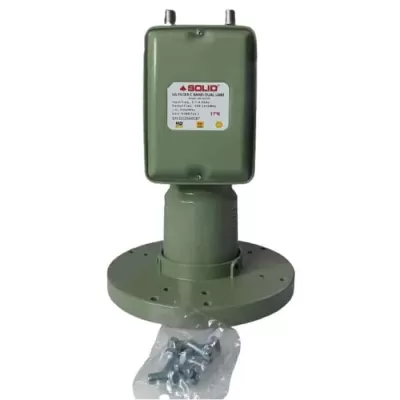
SOLID 5G FILTER 17K 65dB C-BAND DUAL OUT LNBF
from Tamil Nadu
The
ordered
SOLID HDS2X-6309 DVB-S2 HD Digital Set Top Box with Inbuilt WiFi | MPEG4 HEVC H.265 Free-to-Air Satellite Receiver
from Bihar
sandeep
ordered
SOLID HDS2X-6309 DVB-S2 HD Digital Set Top Box with Inbuilt WiFi | MPEG4 HEVC H.265 Free-to-Air Satellite Receiver
from Haryana
Alan
ordered
SOLID 5G FILTER 17K 65dB C-BAND DUAL OUT LNBF
from Tamil Nadu
The
ordered
SOLID HDS2X-6309 DVB-S2 HD Digital Set Top Box with Inbuilt WiFi | MPEG4 HEVC H.265 Free-to-Air Satellite Receiver
from Bihar
sandeep
ordered
SOLID HDS2X-6309 DVB-S2 HD Digital Set Top Box with Inbuilt WiFi | MPEG4 HEVC H.265 Free-to-Air Satellite Receiver
from Haryana
 Kutbuddin
ordered
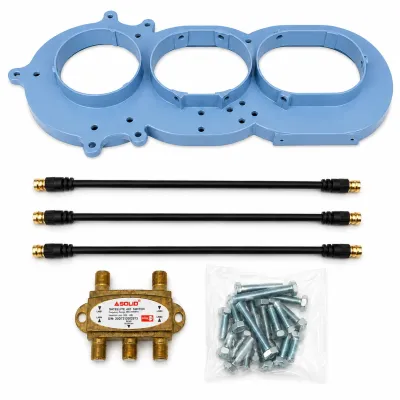
SOLID C-Band Three LNB Multi Satellite Feedhorn with Switch and Cable
from Maharashtra
Kutbuddin
ordered
SOLID C-Band Three LNB Multi Satellite Feedhorn with Switch and Cable
from Maharashtra
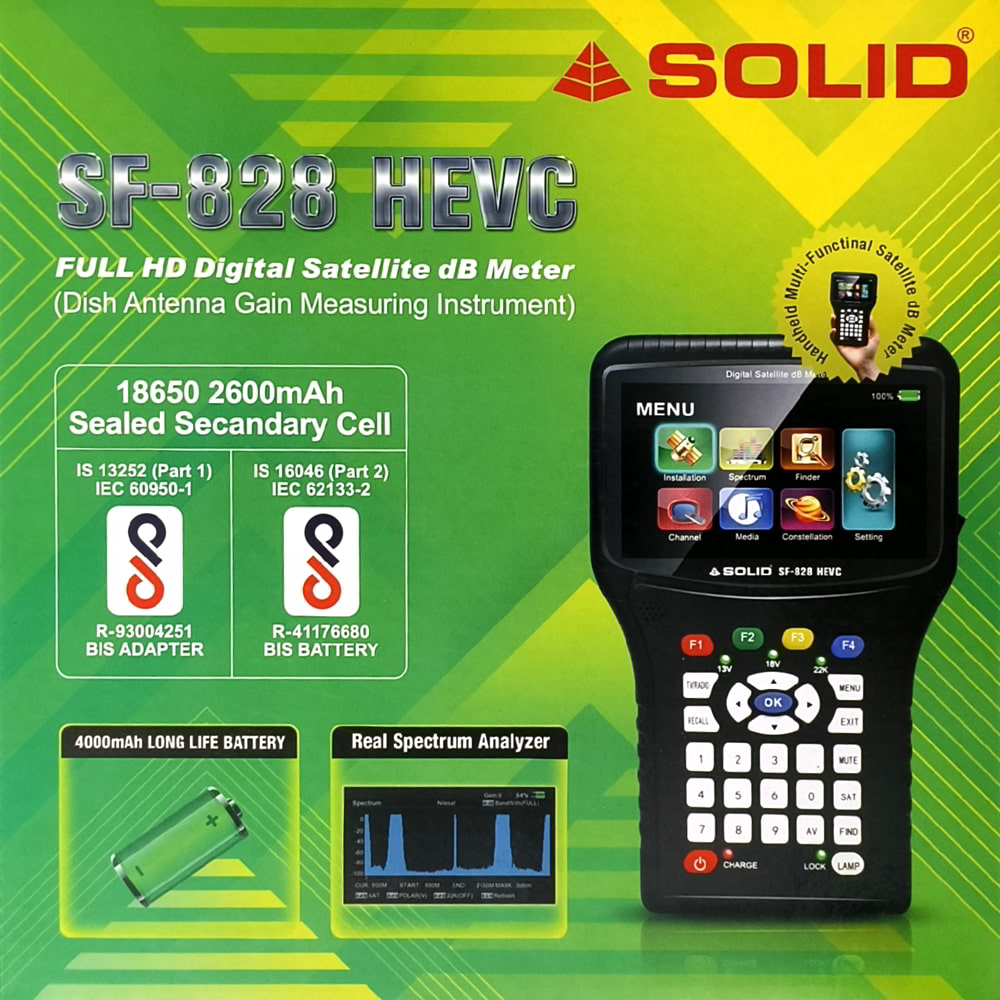
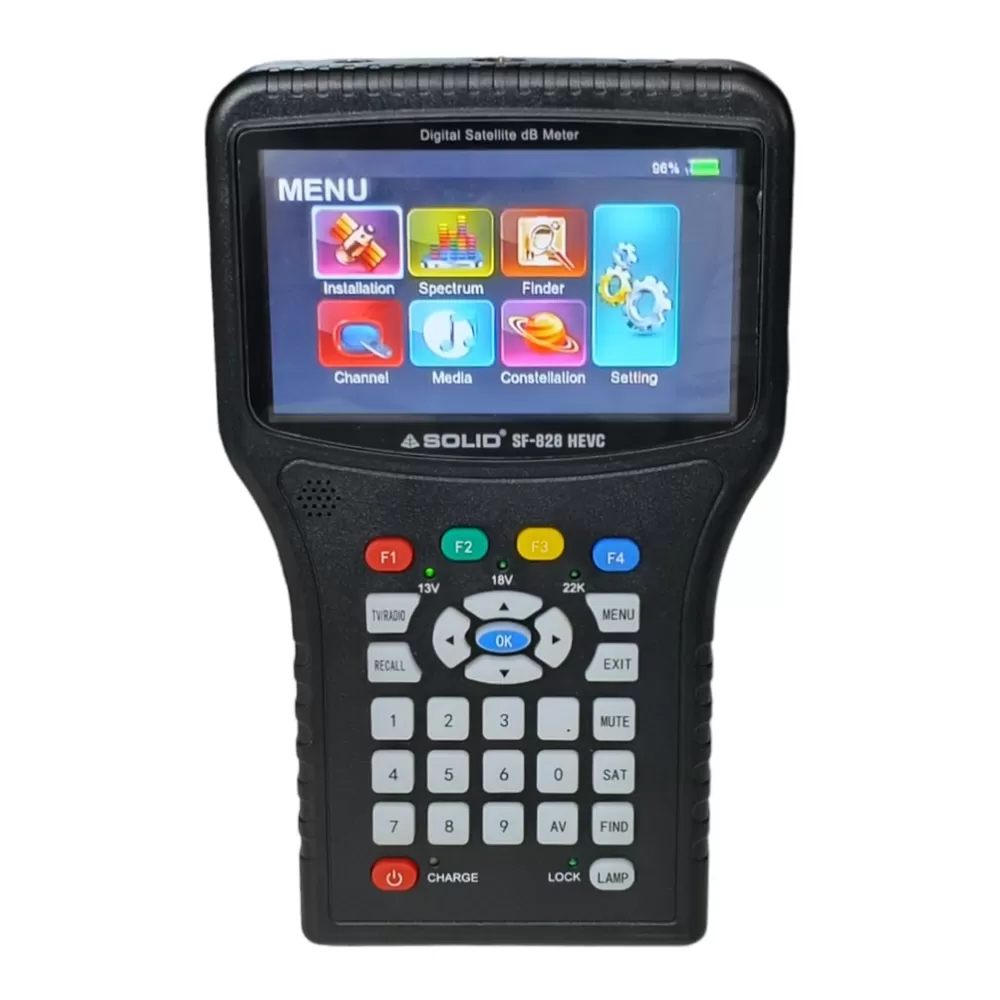
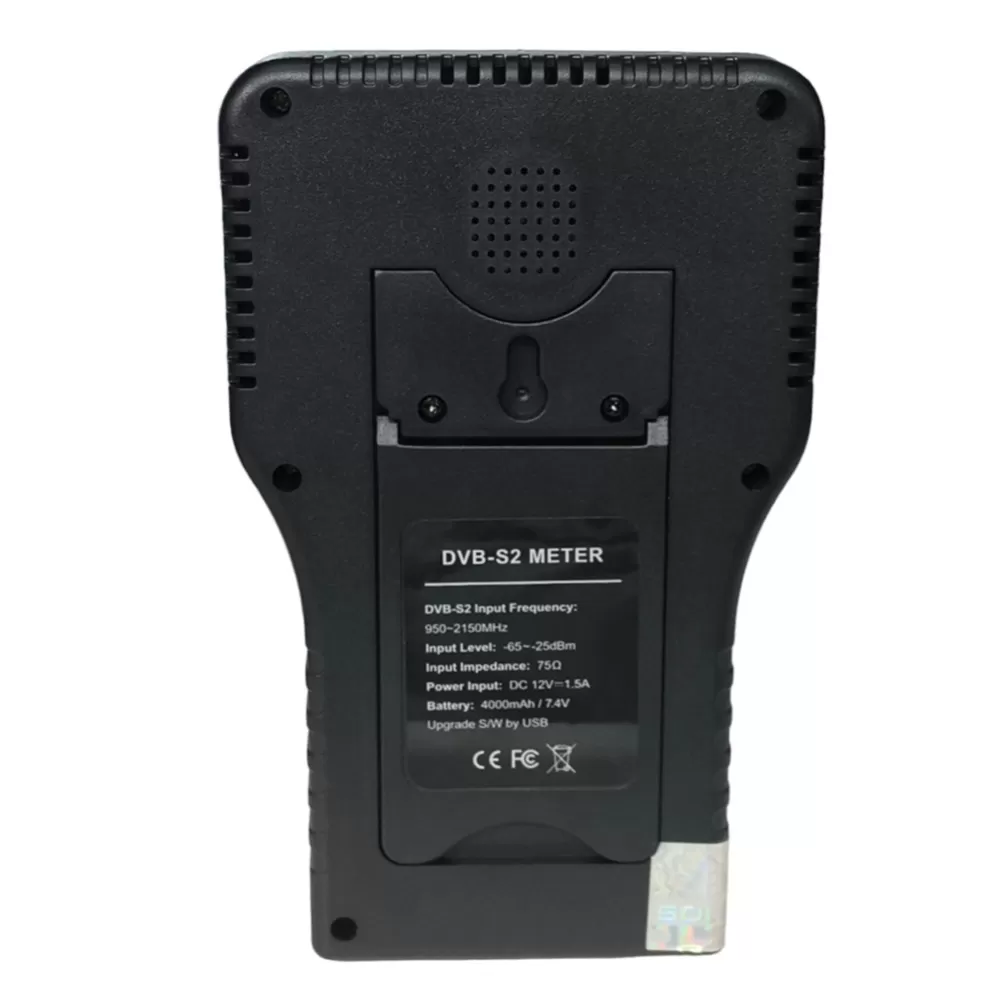
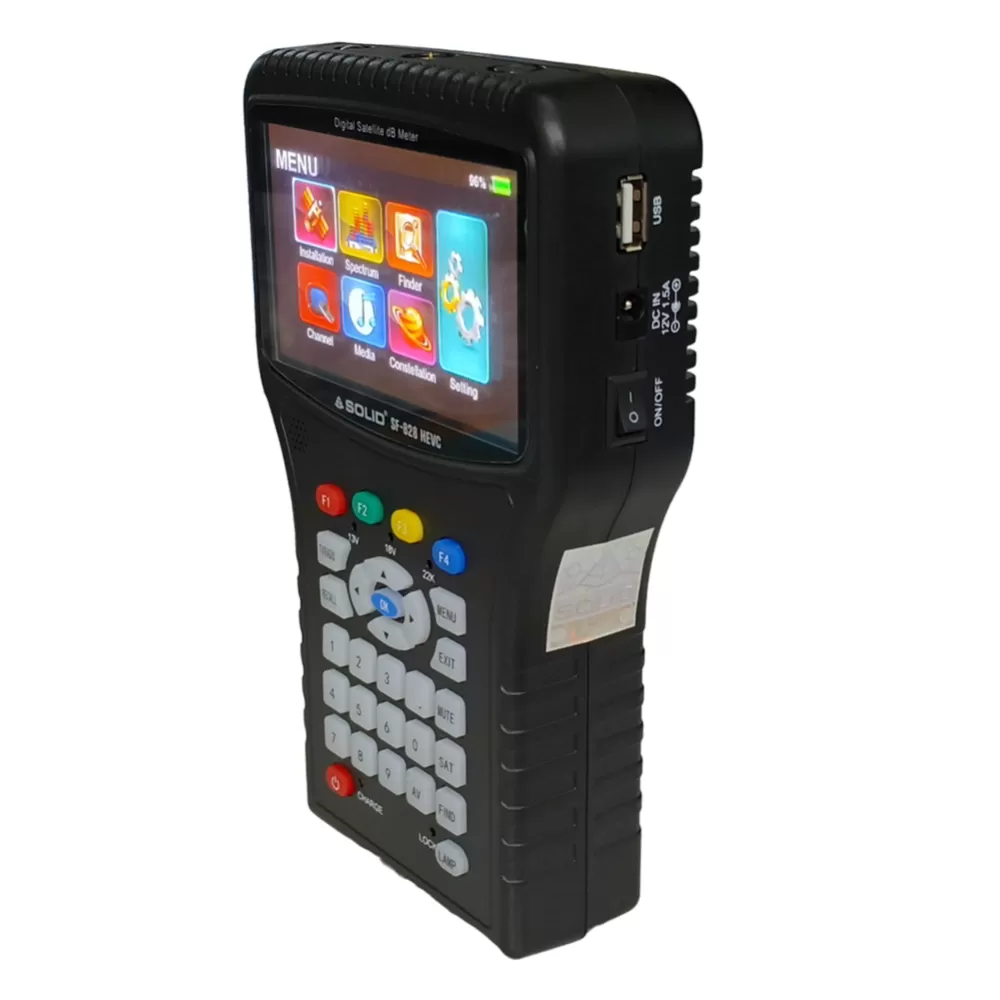
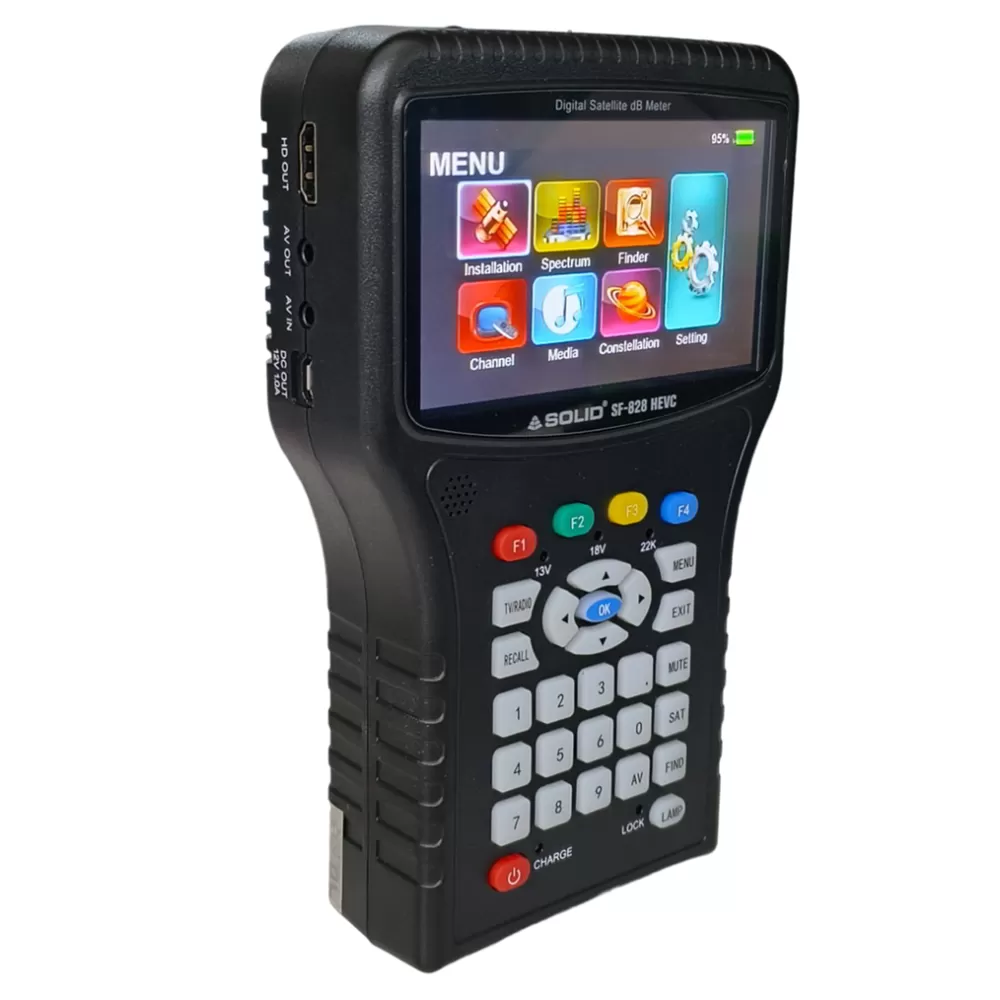
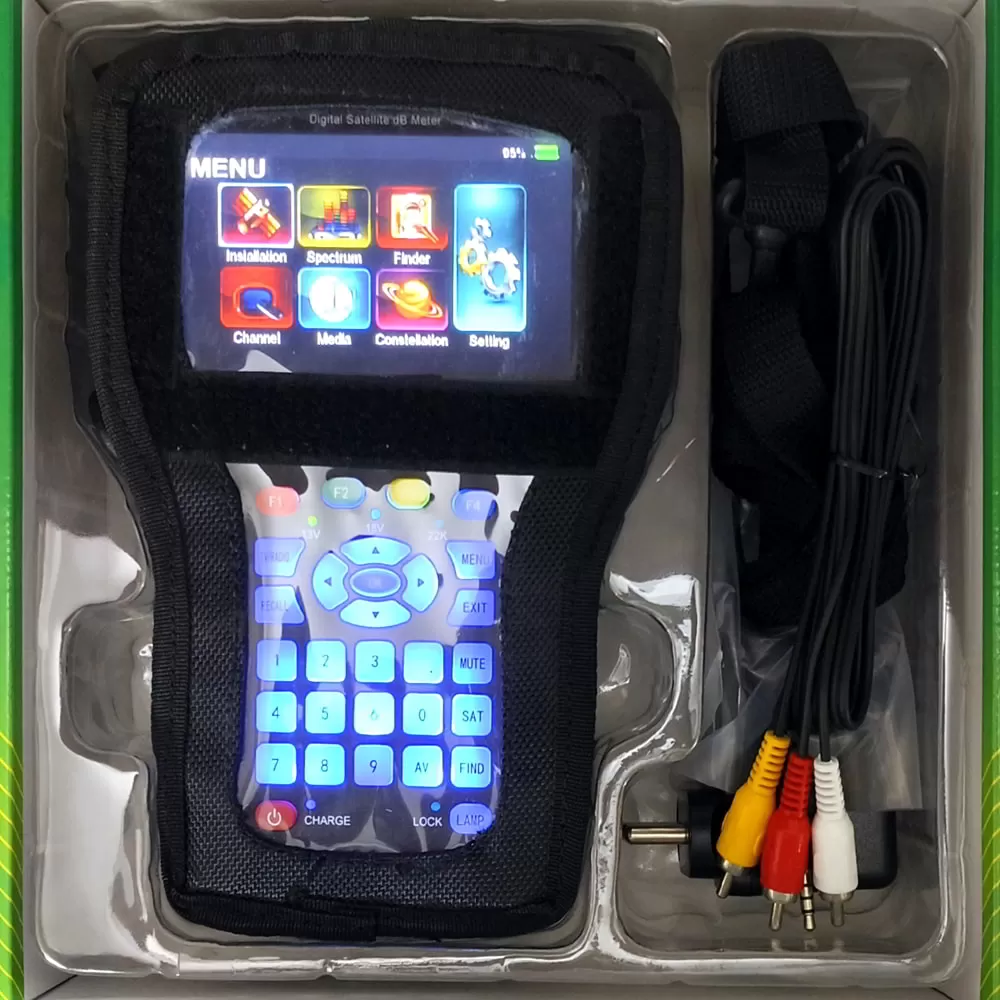
SOLID SF-828 HEVC Full HD Digital Satellite dB Meter
Now you can check audio and video for FTA satellite TV channels. This meter is an upgraded version of SF-810 and comes with HEVC technology.
General Features
DVB-S/DVB-S2 Constellation and Spectrum Analyzer supported
4.3 “inch definition TFT LCD screen
Measurement of BER, MER, C/N
CCTV camera Tester supported
13V/18V/22KHz/Lock/Power status display
DISEqC 1.0/1.1/1.2/USALS
Multi-media Payout supported
Multilingual OSD for worldwide use
USB2.0 interface available for software update
LED torch and stereo- loudspeaker inside
4000mAh long-life rechargeable Li-ion battery
- Product Overview
- Power Key: Press the power key for 3s to turn the unite on/off
- LCD Screen: Shows menus and parameters clearly
- Power light: Indicates the power status
Red: The unit is switched on or in charging
Red flashing: The unit has been short-circuited
Red/Green alternating flashing: The unit needs to be charged or it is fully charged
- Lamp Light: switch on/off the utility LED on the back
- 22K Hz/ 13V/18V lights: Indicate the 22K Hz/ 13V/18V status
- Function keys: F1-F4, to access functions indicated on the display
- Arrow key and OK key: Press the arrow key to select the desired function then press OK to confirm
- 8. MENU key: Enter the main menu
- EXIT key: Exit from the present menu back to the previous menu
- 10. SAT key: To start satellite search
- FIND key: Enter the packet control menu, You can find the information about transponders quickly
- TV/RADIO: To switch between TV and Radio services
- RECALL: Show the previously viewed channel or list
III. Technical parameters
DVB-S/S2 Measurement
Modulation type | QPSK 8PSK 16APSK 32APSK |
Symbol Rate | 1Mbps-60Mbps |
Frequency Range | 950MHz-2150MHz |
Input Signal Level | -65dBm-25dBm |
Input Impedance | 75 ohm |
Code Rate | 1/4 , 1/3 ,2/5 ,1/2 ,3/5 , 4/5 ,5/6 ,8/9 , 9/10 |
LNB Switch Control | 22KHz DisEqC 1.0/1.1/1.2 |
DiSEqC | 1.0/1.1/1.2/1.3(USALS) |
General Features
Operating Temperature | 0 degree calicoes~50 degree calicoes |
AC/DC Adapter | INPUT: AC 100V-240V 50/60Hz OUTPUT : DC 12V/1.5A |
Li-ion Battery | 5000mAh/ 7.4 Rechargeable |
Charge time | About 4 hours |
Working time | Around 3-4 hours (fully charged) |
Weight | 0.6 KG |
Dimension (W*H*L) | 200mm*120mm*60mm |
|
|
CCTV TESTER
Format | CVSB (basic) TV 14.0/V12.0/AHD3.0(OPTION) |
DVB-T/T2 Measurements (OPTION)
Modulation Type | QPSK, 16QAM,256QAM |
Connector Type | F-TYPE |
Frequency Rate | VHF:174-230MHz UHF:470-858MHz DVB-C: 44MHz-864MHz |
VII. Standard Accessories
User’s manual
Adapter
F-type connector
Li-ion Battery 5000mAH/7.4 Rechargeable
OPTIONAL ACCESSORIES -
HDMI cable
AV cable
DC- Micro USB power cable
Car charger/power cable
BNC-AV connector
Nylon Bag & Straps
IV.System Setting
- Time Setting Change the settings of the time /time zone
- Software Upgrade Software update by USB
- Factory Reset Reset all settings to factory default, the password is 0000.
- Main Menu-> Setting-> Setting
- Language change the language of Menu / Audio/ Subtitle/TTX/EPG
- Network Setting
- Other DC 12V output on/off
- Optional Functions
1. DVB-T/T2
Main menu-> Installation-> DVB-T to setting and according to your region to find DVB/T2 signal and channels
- DVB-C settings (option)
Main menu-> Installation-> DVB-C to settings and according to your region to find DVB-C signal and channels
3. CCTV Monitor
This model supports a CCTV monitor function, connecting your composite camera signal correctly and pressing the AV button to active
- Connect the CCTV camera signal cable with finder BNC to AV
- Connect the CCTV camera with the finder via a power cable (12V out interface)
- Enter the Main menu – system setting – other power supply: Switch to ON”
- Satellite Meter Setup
- Installation
Press the MENU key to show the main Menu and enter the satellite installation mode.
- Antenna Setting
Main Menu->Installation->Antenna Setting Enter the satellite setting to select. Use (/) Buttons to set LNB DiSEqC and TP . When all parameters are confirmed, press OK to start searching for channels
- Satellite Setting
Main Menu->Installation-> Satellite List Press OK to enter the satellite settings, On this page, you can change the setting of pre-programmed satellites. Also, you can delete/add/edit/search manually
- Calculation
Main Menu->Installation->Calculation Press OK to enter the calculation function, choose the satellite you want to find, input your local Longitude and latitude, press OK and finder will calculate Azimuth/ Elevation / Polarity for you.
- Finder
Main Menu-> Finder->DVB-S2 press OK to enter the DVB-S2 signal finder function, choose the satellite you want to find.
- Spectrum
Main Menu-> Spectrum In this menu you can see the strength of all received transponders
- Constellation
Main Menu-> Constellation enter into the constellation mode.