
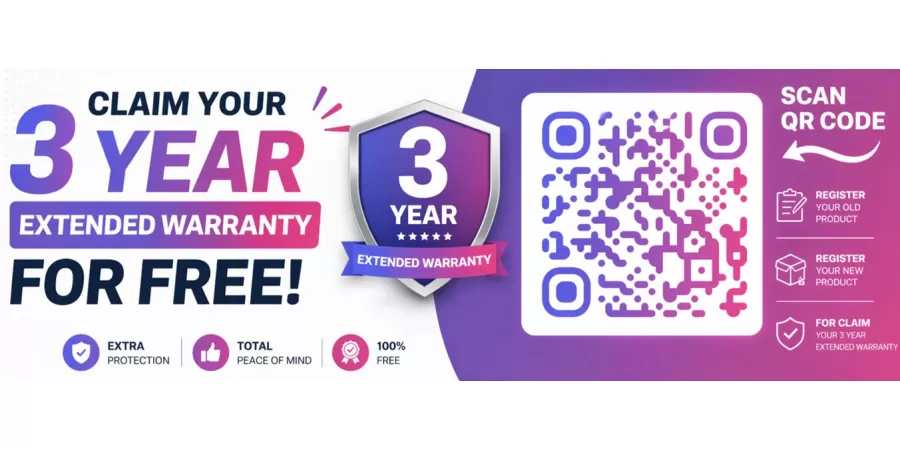
How to Register Warranty for SOLID Products – Step-by-Step Guide
If you have recently purchased a SOLID Set Top Box, Satellite Meter, or any other SOLID product, it is important to register your warranty online. Warranty registration helps you get faster support and ensures that your product is covered under the manufacturer's warranty policy.
In this guide, we will explain how to register your SOLID product warranty on the official SOLID website.
Why Register Your SOLID Product Warranty?
Registering your warranty provides several benefits:
Easy verification of product ownership
Faster warranty claim process
Access to official customer support
Protection against manufacturing defects
Better service experience
Documents Required Before Registration
Before starting the registration process, keep the following information ready:
Product Model Number
Product Serial Number
Purchase Date
Customer Name
Mobile Number
Email Address
Purchase Invoice/Bill (if required)
Step-by-Step Guide to Register SOLID Product Warranty
Step 1: Open the Warranty Registration Page
Visit the official SOLID Warranty Registration page:
https://www.kmtse.com/warranty-registration/
Step 2: Fill in Personal Details
Enter your personal information such as:
Full Name
Mobile Number
Email Address
Complete Address
City and State
Make sure all information is correct.
Step 3: Enter Product Details
Now fill in your product information:
Product Name
Product Model Number
Serial Number
Date of Purchase
You can find the serial number on the product sticker or packaging box.
Step 4: Upload Purchase Invoice
Upload a clear copy of your purchase bill or invoice if requested on the registration form.
Supported formats usually include:
JPG
PNG
PDF
Step 5: Verify Information
Carefully review all entered details before submission.
Check:
Name spelling
Mobile number
Email address
Product serial number
Purchase date
Step 6: Submit the Registration Form
Click on the Submit or Register Warranty button.
Your warranty registration request will be sent successfully.
Step 7: Save Confirmation
After successful registration:
Take a screenshot of the confirmation page.
Save any confirmation email received.
Keep your original purchase invoice safe.
How to Find the Product Serial Number?
The serial number is usually available:
On the product sticker
On the product packaging box
Near the barcode label
On the backside of the device
Important Tips
Register your product as soon as possible after purchase.
Always use genuine purchase invoices.
Keep warranty records safely for future service requests.
Ensure that the serial number entered is correct.
Conclusion
Registering your SOLID product warranty is a simple process that takes only a few minutes. By completing the online warranty registration, you can enjoy hassle-free customer support and warranty services whenever needed.
For warranty registration, visit the official SOLID warranty portal and complete the registration form with accurate product details.