
Do you want to record your favorite TV programs? Solid's advanced MPEG-4 set-top boxes not only deliver superior picture quality but also come equipped with PVR (Personal Video Recorder) functionality.
.png)
Step-by-Step Guide to Recording
Once you have your USB drive ready, follow these simple steps:
1. Plug in the USB Drive
Insert your pen drive into the USB port located on the front or back of your SOLID MPEG4 receiver. You should see a notification on your TV screen saying "USB Device Connected."
2. Instant Recording
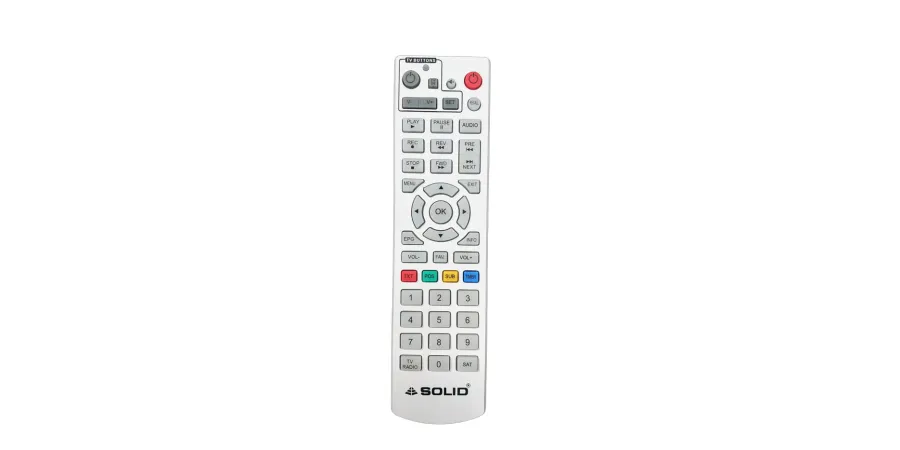
While watching a channel you want to save, simply press the REC (usually a red circle) button on your SOLID remote. The box will begin recording the live broadcast immediately to your USB drive.
3. Scheduled Recording (Electronic Program Guide)
If you want to record a show that starts later:
Press the EPG button on your remote.
Select the program you wish to record from the schedule.
You can set the recording timer in this box according to your preference.