
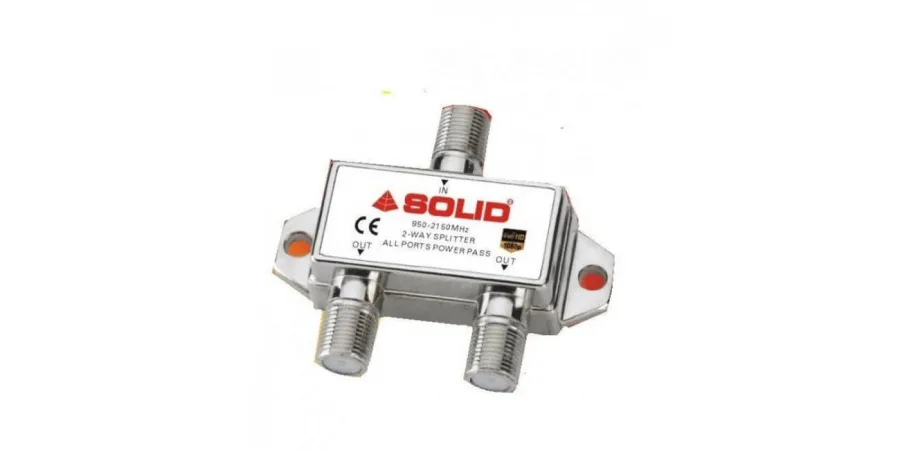
In many homes, there is a need to run two TVs using a single dish antenna. Whether it’s for different rooms or convenience, buying a separate dish setup can increase cost and installation hassle. The good news is — you can easily connect two set-top boxes using one dish antenna with a simple solution.
The Easy Solution
You can connect 2 set-top boxes from a single dish antenna by using a SOLID 2-Way Splitter
How It Works
The SOLID 2-Way Splitter divides the signal coming from your dish antenna into two outputs. This allows both set-top boxes to receive signal from the same dish.
What You Need
Pro Tip
For smoother performance and fewer signal issues, always use a high-quality splitter like SOLID 2-Way Splitter, specially designed for satellite connections.
Conclusion
Connecting two set-top boxes with one dish antenna is simple, cost-effective, and practical. With the help of a SOLID 2-Way Splitter, you can enjoy TV in multiple rooms without installing another dish.